
Integration Details
Vacation Tracker connects directly with ADP Workforce Now to keep everything in sync. You can import users from ADP in just a few clicks, and their leave balances will be added into Vacation Tracker. Once a request is approved, it flows back into ADP automatically, so payroll and records stay accurate without extra work.
ADP Applications Integrated
- ADP Workforce Now®
ADP Workforce Now® Next Generation
ADP TotalSource®
Integration Type
- Bi-directional data exchange
Single sign-on (SSO) (Practitioners only)
Buy now
Application Type
- Data connector and end user
Data Sync Frequency
- Approved leave requests from Vacation Tracker are synced to ADP Workforce Now approximately every 3 minutes.
Data Fields
- The following data fields will be read by Vacation Tracker:
First Name
Last Name
Email
Organization Name
Paid Time Off Details
Workers name and email
Associate OID
ADP WebID
Organization OID
The following data fields will be sent from Vacation Tracker to ADP:
Paid Time Off Entry
Manage multiple locations
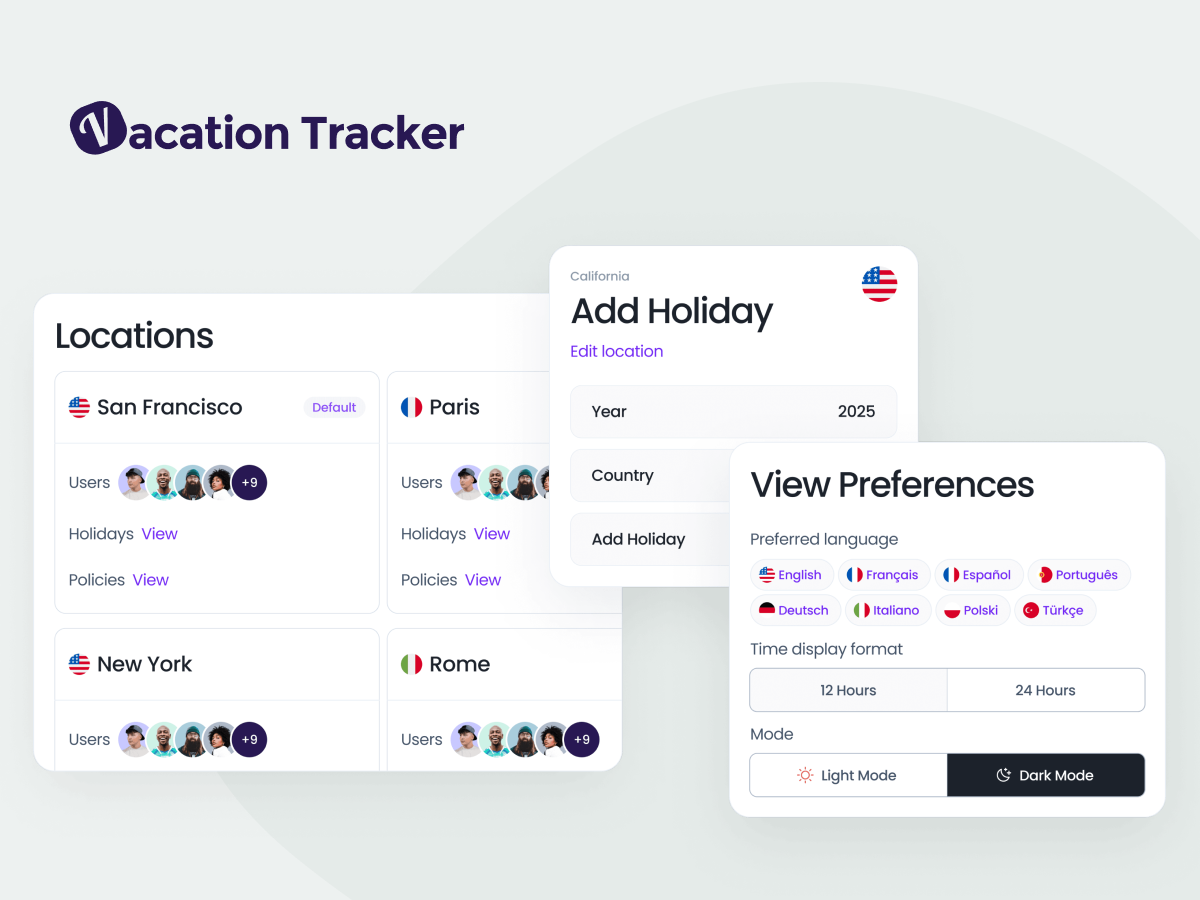
Many teams operate across different offices, regions, or even countries, and managing leave for all of them can be a challenge. With Vacation Tracker, you can set up multiple locations and apply policies that reflect each one. Local public holidays are included, so they’re automatically recognized in your team’s calendars. Whether you’re managing a single office or a distributed workforce, all leave information is centralized and easy to view.
Set your own leave policies
Every company has its own rules, and Vacation Tracker makes it easy to set them up. You can create vacation, sick days, unpaid leave, or custom types, and fine-tune them to match how your team works.
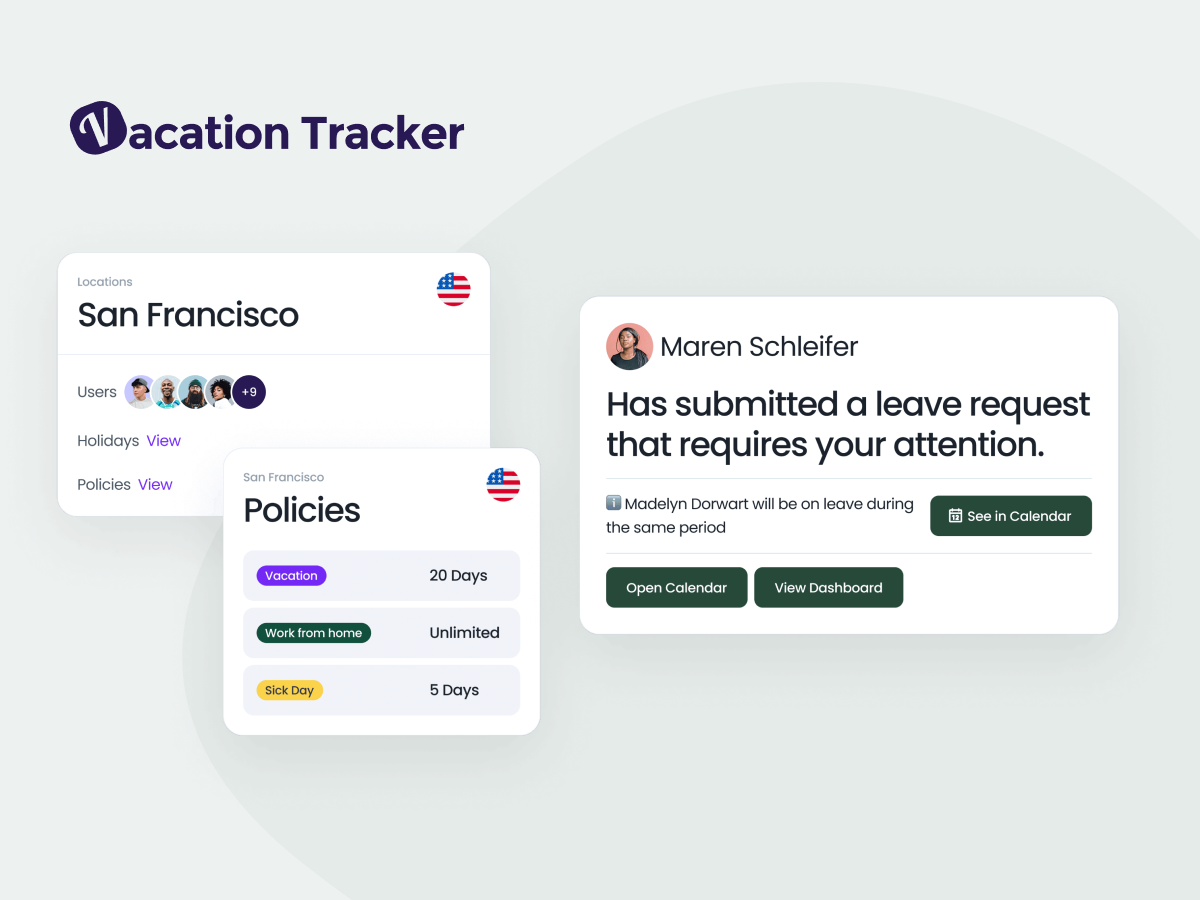
Vacation Tracker Leave Types and Leave Policies allow you to:
- Create different leave types such as vacation, sick leave, or custom categories
- Add accrual rules to automatically calculate earned time off
- Define carryover policies to manage unused days from year to year
- Apply probation periods before new hires can start taking leave
- Customize approval flows to match your company’s process
Simple requests and approvals
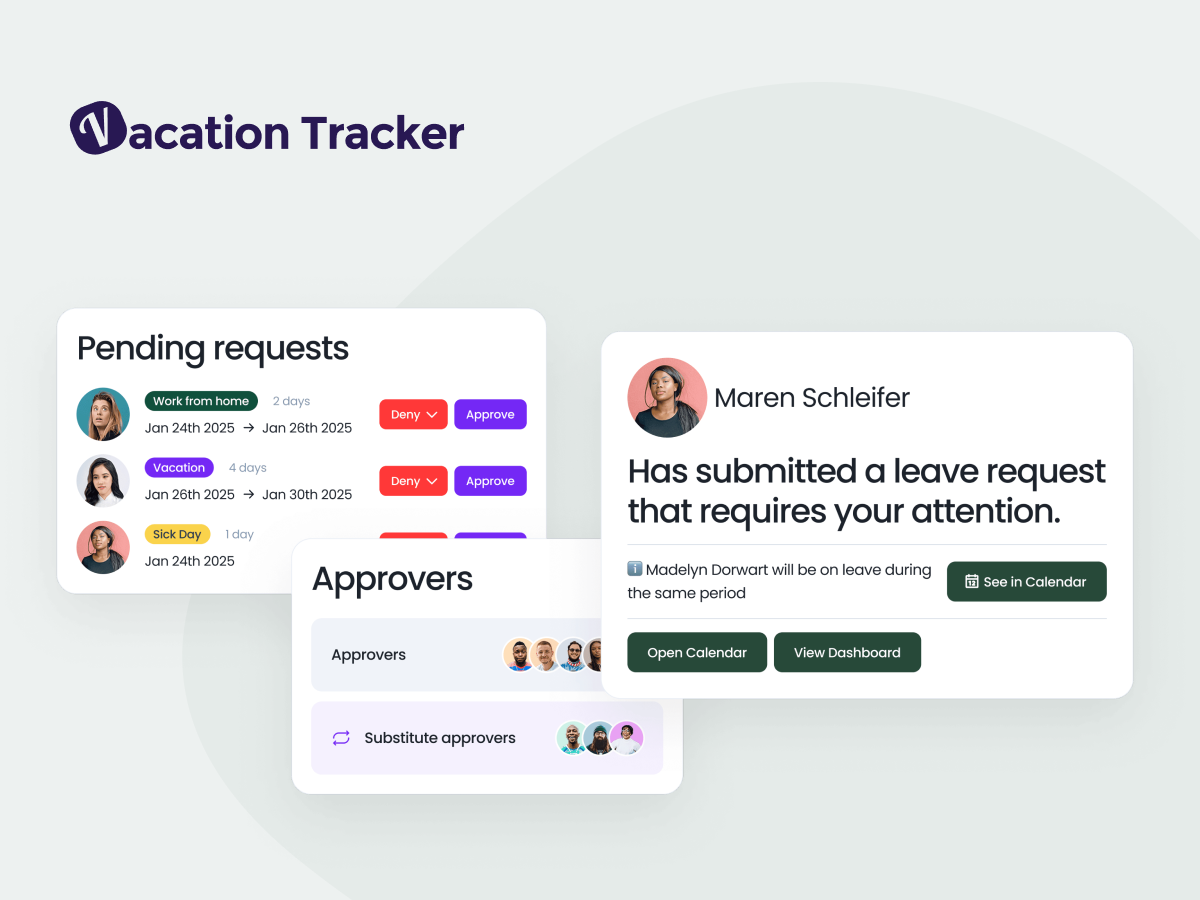
With Vacation Tracker, employees can submit a request in just a few clicks, from their desktop or directly in the tools they already use, like Slack, Microsoft Teams, or email. Managers receive an instant notification and can approve or decline on the spot, without the need for back-and-forth communication. Approved leave is automatically added to the shared calendar so everyone stays informed. This straightforward process removes the need for messy spreadsheets and endless email chains, making leave management easier for everyone involved.
Works with the tools you already use
Vacation Tracker connects with Google Calendar, Outlook, and iCal so everyone’s schedule stays up to date. It also works inside Slack, Microsoft Teams, and email, so managing leave happens where your team already communicates.
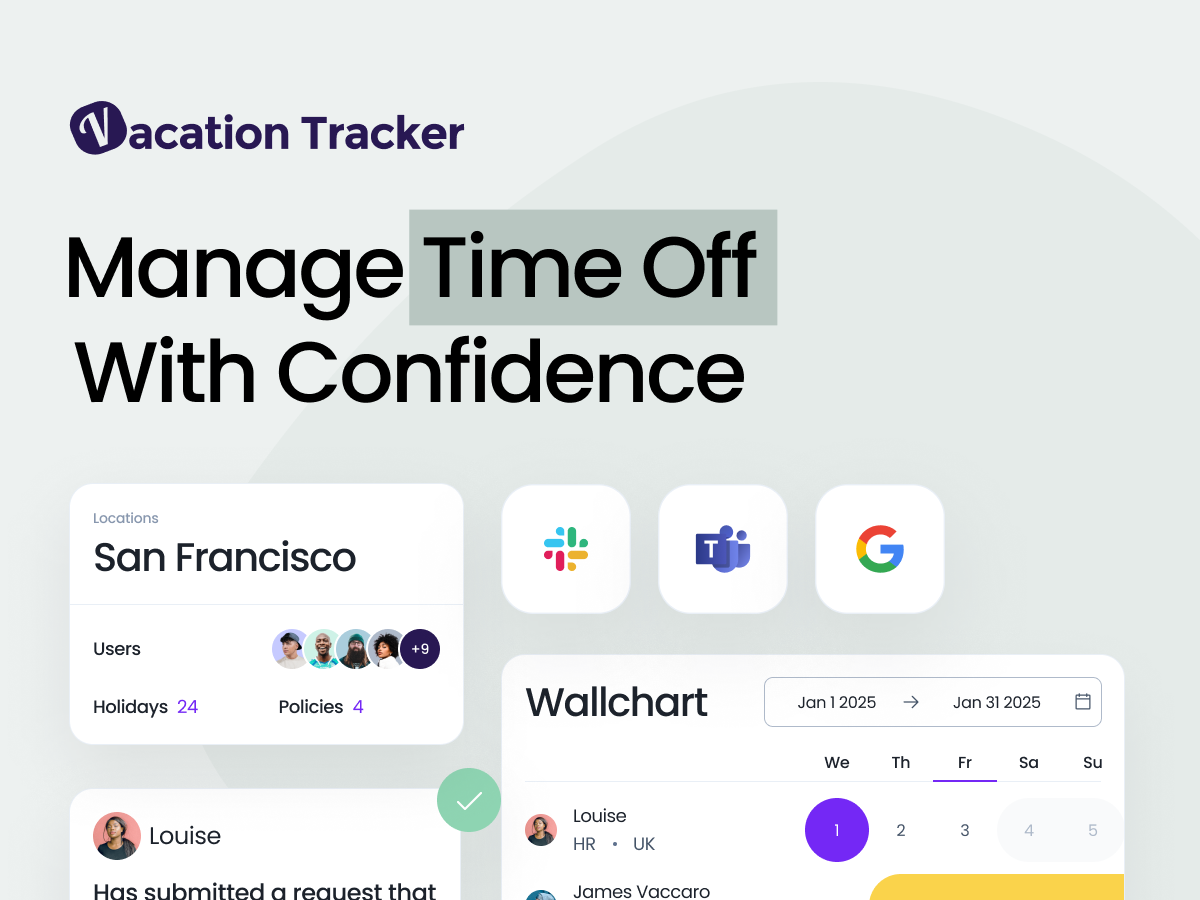
Calendar sync
- Keep everyone’s schedule updated in Google Calendar, Outlook, or iCal automatically.
Messaging integrations
- Request and approve time off directly in Slack or Microsoft Teams without leaving your workspace.
Email support
- Employees can manage leave requests through email, making it easy for teams that prefer simple communication.
Centralized updates
- Approved leave requests instantly appear in connected calendars and tools so no one is left out of the loop.
See who’s off at a glance
Vacation Tracker provides shared calendars and simple dashboards that show upcoming leave for your whole team. Managers can quickly see when employees are away, and employees can check their coworkers’ schedules to avoid conflicts. In addition, daily and weekly notifications keep everyone updated on upcoming absences, so teams can plan ahead and avoid surprises.
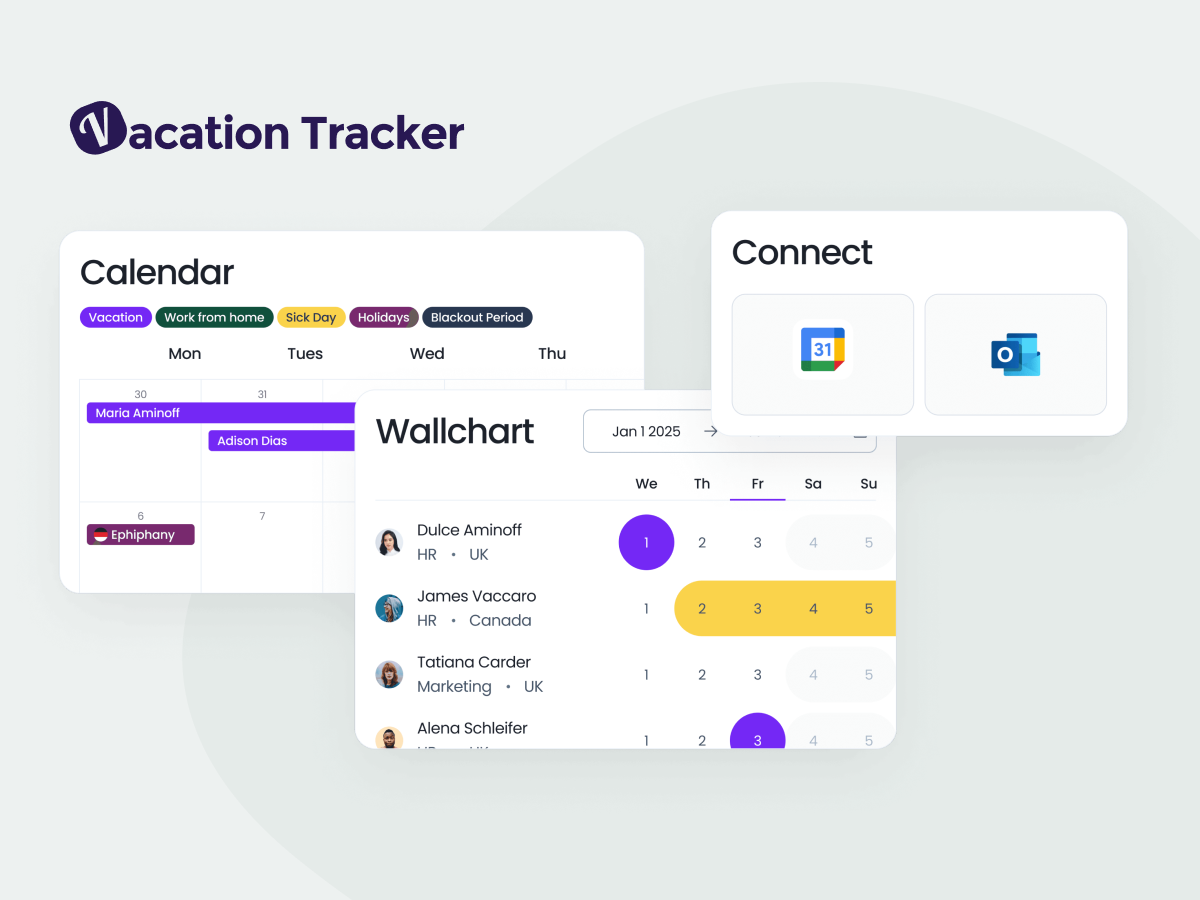
Shared calendars
- View team absences in one place for easy planning.
Dashboards
- Get a clear overview of who’s away and when.
Daily notifications
- Stay informed with a quick summary of absences at the start of each day.
Weekly notifications
- Get an overview of who will be out in this or the coming week, so managers and teams can plan workloads in advance.
Keep payroll accurate
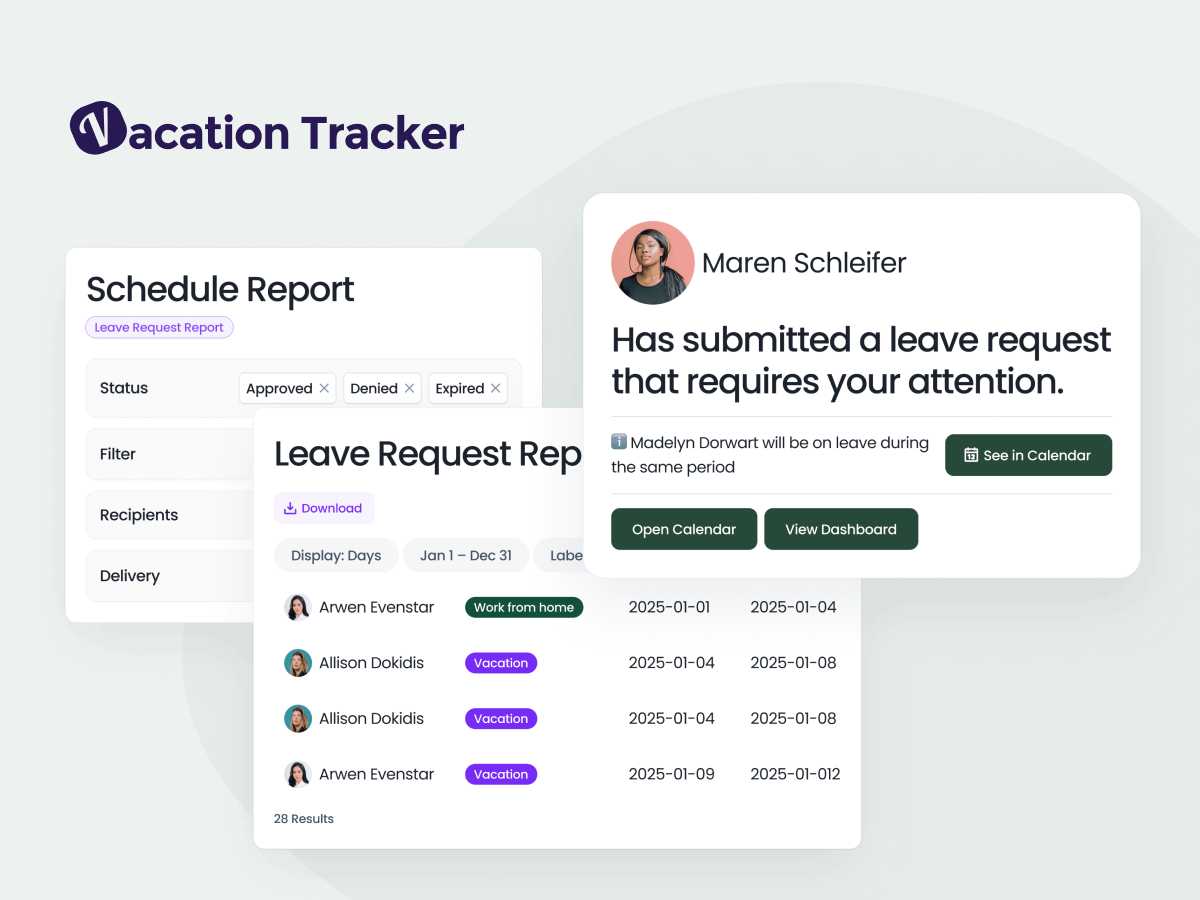
Errors in payroll often come from mismatched or outdated leave records. Vacation Tracker helps prevent those mistakes by keeping all leave data organized and easy to access. Detailed reports on leave balances, usage, and history can be generated in seconds, so you always have a clear record of who took time off and when. These reports can be exported and shared with your payroll system, making it easier to process pay accurately and on time.
Mobile app for leave management
With the Vacation Tracker mobile app, employees can request time off and managers can approve it from anywhere. The app also shows leave balances, upcoming absences and holidays.
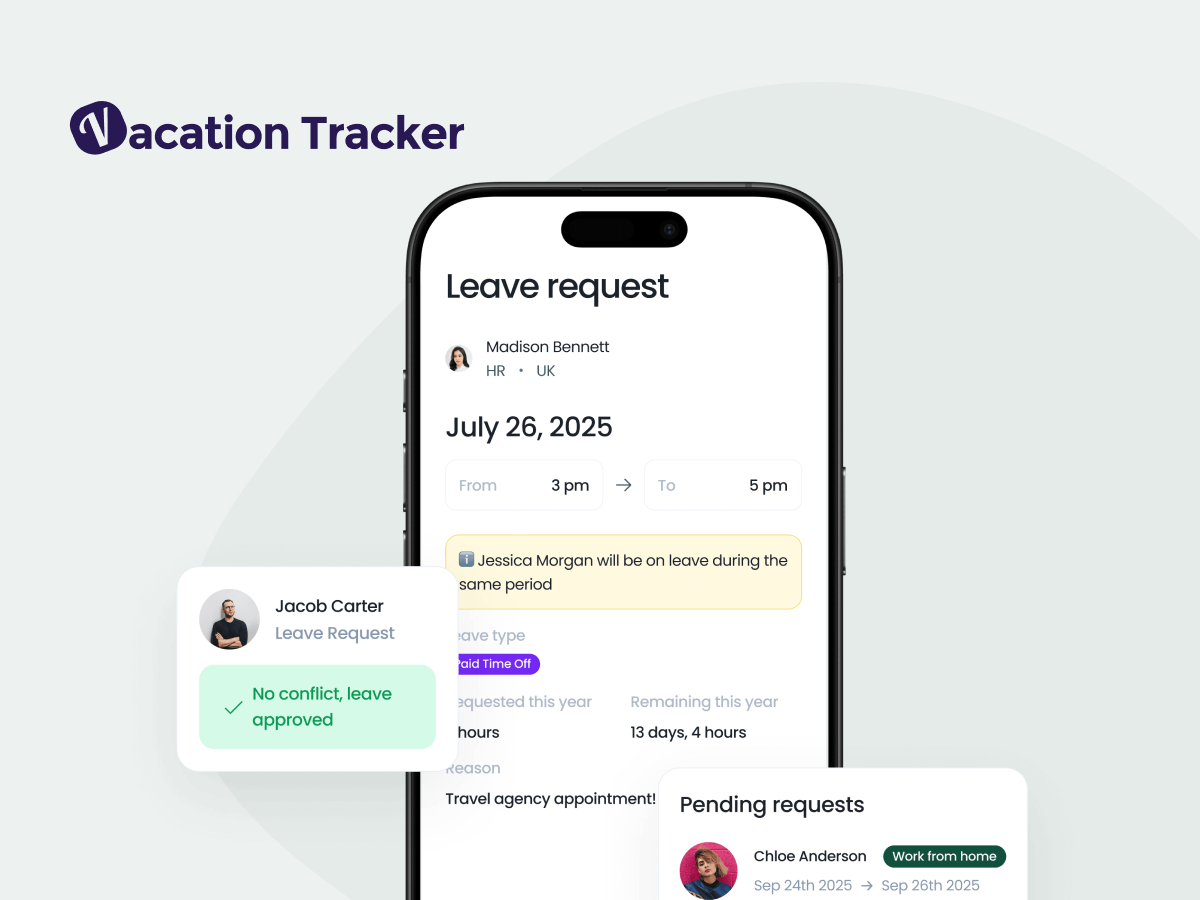
Vacation Tracker Mobile app helps you to
- Request and approve leave from your phone
- Check balances and upcoming schedules